![Agway Energy Services Logo_2025.png.png]](https://info.agwayenergy.com/hs-fs/hubfs/Agway%20Energy%20Services%20Logo_2025.png.png?height=40&name=Agway%20Energy%20Services%20Logo_2025.png.png)
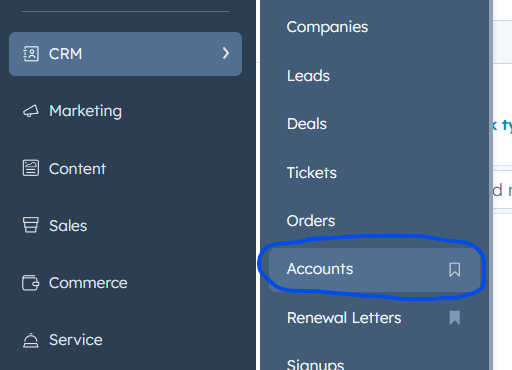
- Navigate to the screen you want to bookmark in the HubSpot left-hand navigation:
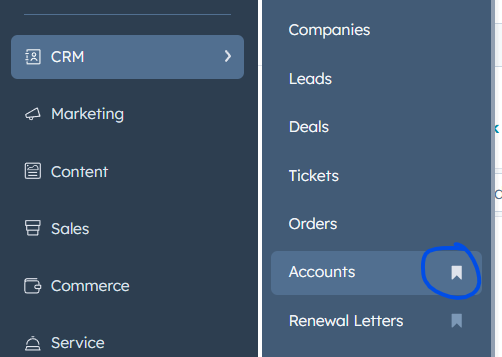
- Click the little ribbon icon. It will fill in when it is selected.
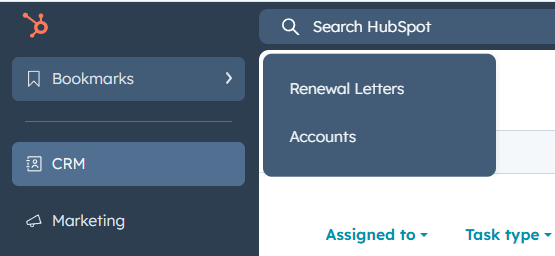
- Next time you want to access the page, go to "Bookmarks" in the left-hand navigation. Your bookmarked links will be right there.