![Agway Energy Services Logo_2025.png.png]](https://info.agwayenergy.com/hs-fs/hubfs/Agway%20Energy%20Services%20Logo_2025.png.png?height=40&name=Agway%20Energy%20Services%20Logo_2025.png.png)
As a new renewal cycle approaches, we will want to expire any "Consent Pending" Deals that have not received consent and are no longer being sold. The process requires a few simple manual steps:
- Ensure that Express Consent has been marked in HubSpot on all Deals for which it has been given. Here are instructions on how import consent.
- Update this segment of Consent Pending Deals that need to be expired. Edit the filters of the list to ensure it only includes the Deals you want to expire this round.
- "Commodity" will need to be selected according to the next renewal cycle.
- "CONTRACT END MONTH" will need to be adjusted as well.
- Save the Segment and wait for it to generate.
- After the list updates, check that the number of records at the top looks correct.
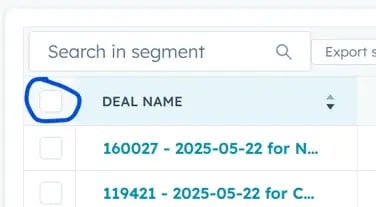
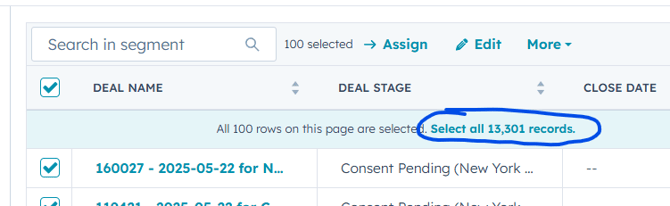
- Select all records by checking the top checkbox in the header bar, then the teal "Select all ..." link.
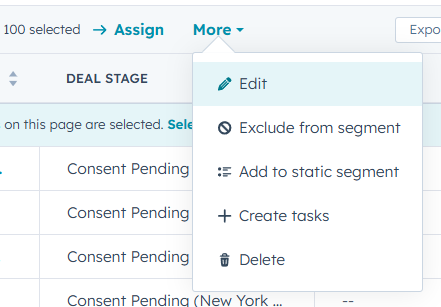
- Under "More" select "Edit." If you don't have a "More," click "Edit" in the header bar.
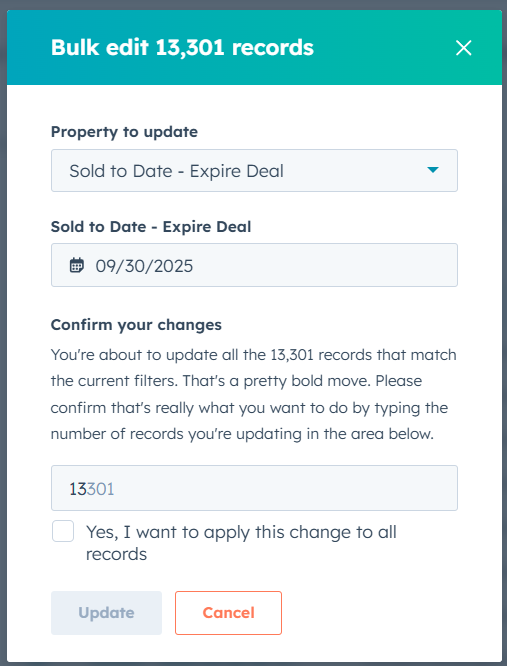
- Select the property "Sold to Date - Expire Deal (Not Connected to Product)." Enter the last day that the current/old set of products should be sold to. This is the date that all of the Deals in the segment will be moved to the "Contract Inactive" stage. It is ok if the date is in the past or the future.
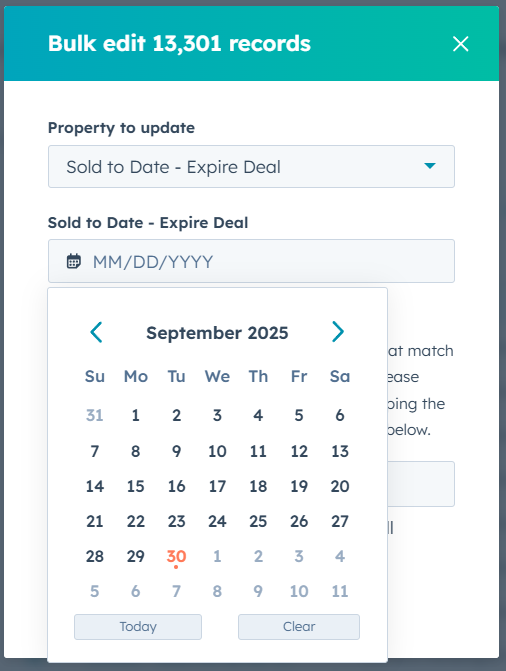
- Confirm your edit by following the prompts on the screen to enter the number of records to edit, then check the box. The "Update" button will turn orange after this double confirmation.
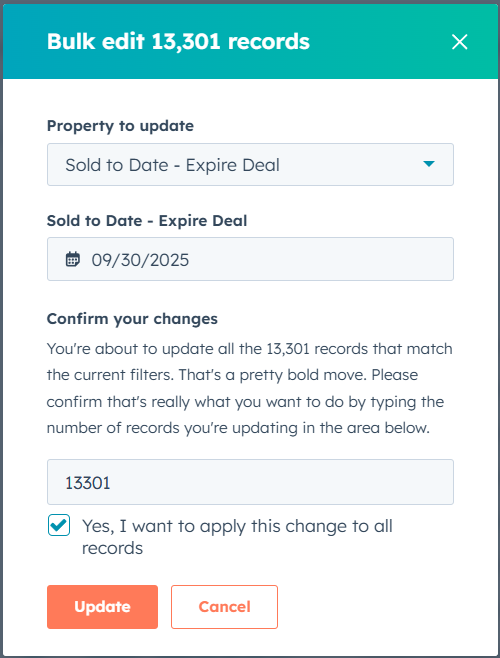
- That's it! The new date property will trigger this workflow to run, which will expire the Deals.