![Agway Energy Services Logo_2025.png.png]](https://info.agwayenergy.com/hs-fs/hubfs/Agway%20Energy%20Services%20Logo_2025.png.png?height=40&name=Agway%20Energy%20Services%20Logo_2025.png.png)
In cases where an Account needs to be moved from one Contact to another Contact, we want all of the other objects associated with that Account (Deals, Renewal Letters, and Signups) to be moved to the new Contact as well. This would most likely happen in the case of one Contact needing to be split out into two.
- Create the new Contact in HubSpot if they do not exist yet.
- Manually dissociate the Account(s) from the incorrect (old) Contact first.
- Associate the Account(s) to the correct Contact. There are not association labels between these objects, so only a simple association is needed.
- Count up all the Deals, Renewal Letters, and Signups associated with each Account that moved to the new Contact. You want to know this tally for checking afterward.
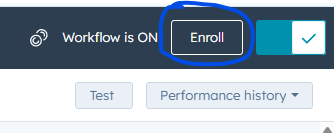
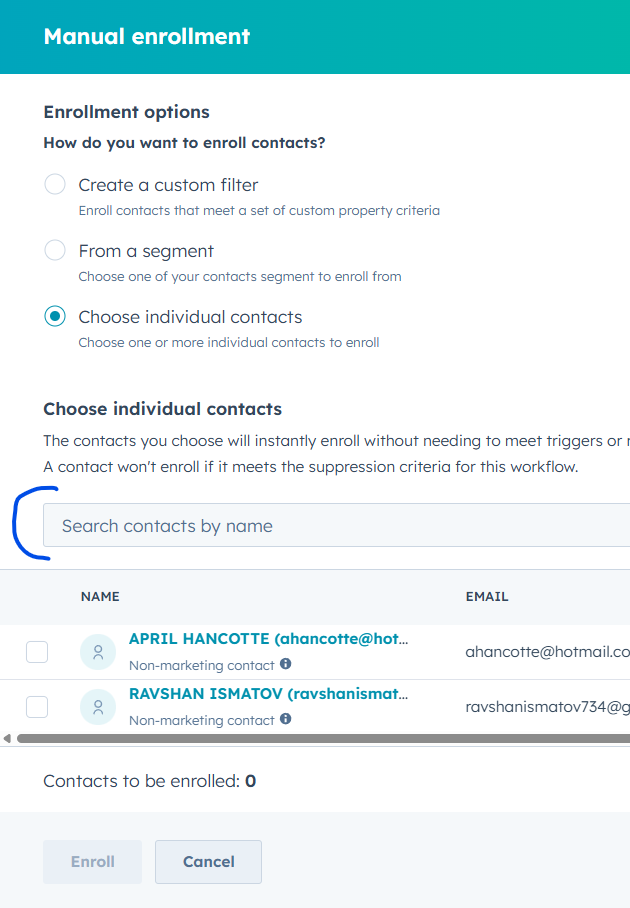
- Once all Accounts have been moved, manually enroll the new (correct) contact into this workflow: Ops: Split contact or change account contact; Manually enroll the contact after Accounts have already been associated to the Contact
- The workflow does the following:
- Retrieve all Accounts linked to the Contact
- Retrieve all Deals, Renewal Letters, and Signups associated with those Accounts.
- Remove the previous contact from those objects. In other words, it will delete all Deal --> Contact, Renewal Letter --> Contact, and Signup --> Contact associations.
- Associate each Deal, Renewal Letter, and Signup object with the enrolled (new) Contact.
- Once the Contact has completed the workflow, check that all objects have moved correctly. Check that the total number of objects you see on each contact, new and old, is what you expect to see.