![Agway Energy Services Logo_2025.png.png]](https://info.agwayenergy.com/hs-fs/hubfs/Agway%20Energy%20Services%20Logo_2025.png.png?height=40&name=Agway%20Energy%20Services%20Logo_2025.png.png)
If a customer requests a drop via mail or email, it will NOT initiate in HubSpot. Instead, the cancellation will be recorded first in NirvanaSoft or Vertex One, then pushed to HubSpot.
Here are the items that need to be added to HubSpot to properly record a cancellation:
- Navigate to the relevant Deal record.
- Select the Ineligible Reason. This property will be copied from the Deal to the Account via this workflow.
- Mark the Cancellation Status as "Cancellation Approved." This property will be copied from the Deal to the Account via this workflow.
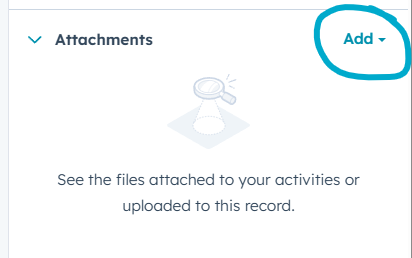
- Upload relevant documents in the "Attachments" section of the right-hand sidebar.
-
Navigate to the relevant Account record to confirm that the NS Drop Date was correctly recorded from the NirvanaSoft or Vertex One API push.